intro-to-js
Introduction to JavaScript#
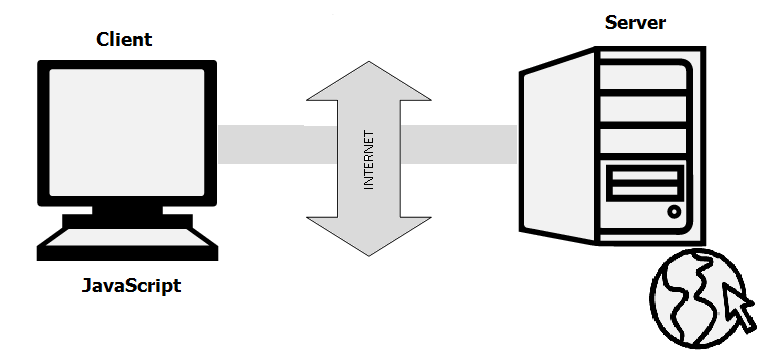
JavaScript is a popular web-based programming language that powers the dynamic behavior on most websites it also considered as a very powerful client-side scripting language. JavaScript is used mainly for enhancing the interaction of a user with the webpage. Alongside HTML and CSS, it is a core technology that makes the web run. JavaScript can be used to change the status of a button when it is clicked on, create a chat window at the bottom of your screen, or even create a web-based game. It's also being used widely in game development and Mobile application development.
Brief History:#
JavaScript, not to be confused with Java, was created in 10 days in May 1995 by Brendan Eich, then working at Netscape and now of Mozilla. JavaScript was not always known as JavaScript: the original name was Mocha, a name chosen by Marc Andreessen, founder of Netscape. In September of 1995 the name was changed to LiveScript, then the name was changed to JavaScript three months later. This was somewhat of a marketing move at the time, with Java being very popular around then.ECMAScript#
Often in the JavaScript community you'll hear the word ECMAScript thrown around as well, as in ECMAScript 2015 (abbreviated to ES2015, or sometimes ES6). So what's the difference between ECMAScript and JavaScript? There are plenty of resources online discussing the difference, but essentially ECMAScript is a standard. JavaScript is an implementation of that standard. The standard dictates certain features and sets of functionality, but there can be different implementations that follow the standard. There are many different JavaScript engines that implement the ECMAScript standard and are competing for dominance; the most popular right now is Google's V8 engine, but you can see a list of others here.
JavaScript standardization is now run by a committee called TC39, which governs how ECMAScript features are designed, starting with ECMAScript 2016 (or what is called ES2016).
How to Run Javascript#
Being a scripting language, JavaScript cannot run on its own. In fact, the browser is responsible for running JavaScript code. When a user requests an HTML page with JavaScript in it, the script is sent to the browser and it is up to the browser to execute it. The main advantage of JavaScript is that all modern web browsers support JavaScript. So, you do not have to worry about whether your site visitor uses Internet Explorer, Google Chrome, Firefox or any other browser. JavaScript will be supported. Also, JavaScript runs on any operating system including Windows, Linux or Mac.
Where we will be writing most of our JavaScript ?#
short scripts :#
For most of our short JavaScript examples, we will be using the Chrome console.
There is two ways to open up the console:
1- press Ctrl + Shift + J on Windows and Linux or Option + Command + j on a Mac.
2- right click on the web page, select Inspect, and then move to the tab called Console.
let's start by alerting a message In the Chrome Console, type the following:
also type:
long scripts :#
There are many ways to write long scripts:
1- Using an online editor: There are a number of websites out there that will let you write a larger chunk of code (e.g. Repl.it , JS Bin, JS Fiddle, and CodePen).These tools are helpful learning tools to use until you get more comfortable combining HTML, CSS, and JavaScript but aren't use to write extensive JavaScript applications.
2- Adding JavaScript in HTML file:
You should place all your JavaScript code within <script> tags (<script> and </script>) if you are keeping your JavaScript code within the HTML document itself. This helps your browser distinguish your JavaScript code from the rest of the code.
3- Separating JavaScript and HTML in 2 Files: This is a better practice, especially when your HTML and JavaScript files get longer. To do this, you still need to include a script tag in your HTML File, but this tag should link to a separate JavaScript file.Here's how you could do that if you have a file called test.js:
and in your test.js file type your scripts for example:
Comments in JavaScripts:#
We can use comments to stop a line of code from running and we have two ways:
- Using
//to stop one line of code
Only 2 will show up because we stopped alert from working.
- Using
/* */to stop multiple lines from working.
Only 4 will be printed.
Note: we can use bot of types of comments inside the same file.